- HubPages»
- Technology»
- Communications»
- Smartphones
How to Update Samsung Captivate SGH i897 with Android 4.0 aka Ice-cream Sandwich?

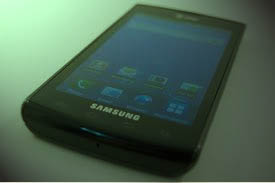
Samsung Captivate Update 4.0
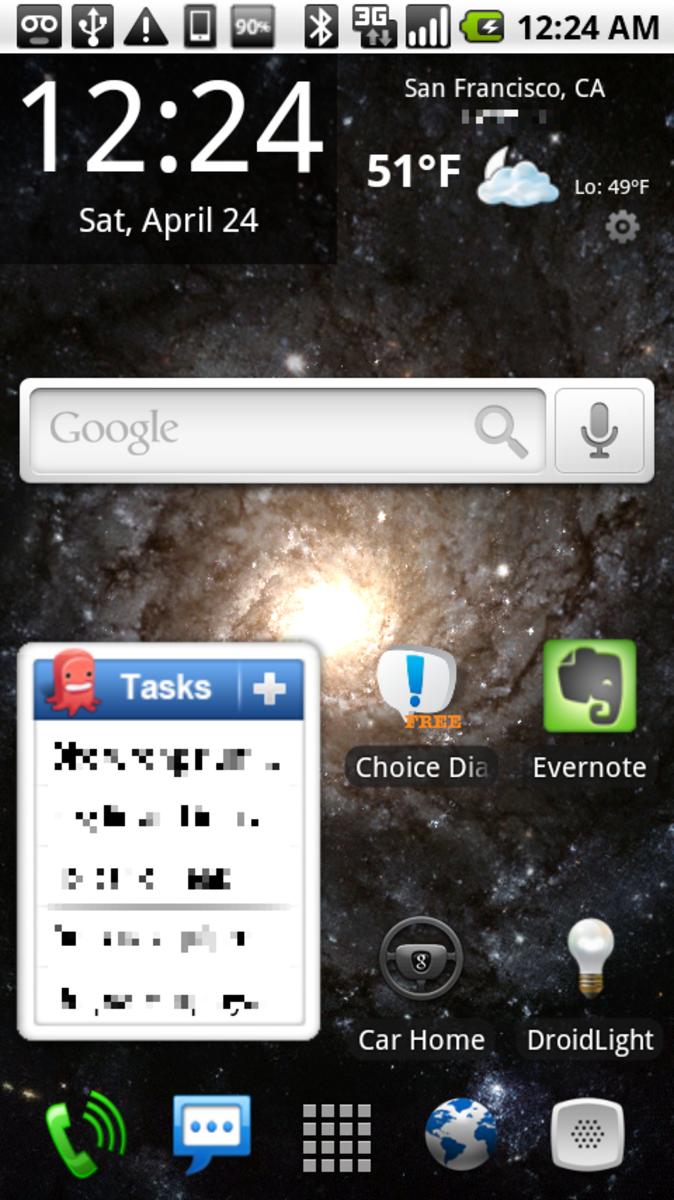
Samsung Captivate i897 was released on June, 2010. The phone originally had Android 2.1 aka Éclairs as its operating system which is upgradable to Gingerbread (2.3). The latest version of Android cannot be installed on this phone officially. But if you want it otherwise (Samsung wish it or not!), there are ways. This is the main fun with the Android; it is truly customizable unlike iOS.
So, without much ado let us go to the point. I must begin with a statutory warning to you, the chance of failure is little but though you should have to proceed by your own risk. If you are an old and experienced user then it is safer. If you are not then you better seek help from such a friend.
To do it you should have to root your phone first. If it is rooted then you can skip this stage. To root your Samsung Activate follow these steps:
- You need to install Microsoft.Net Framework 4.0, if it is not on your PC already. You can download it from here.
- ·You also need the Samsung Drivers.
- Now download the One Click Root zip file. Make a backup off all the contacts, messages, pictures, videos and other things from your phone to PC. Otherwise, all data may be lost permanently. The system memory will be erased during the process but not the SD card contents.
- On your phone go to menu>settings>applications>development and checked on USB debugging.
- Connect phone with the data cable to your PC.
- Write click on the rooting app and select ‘Run as administrator’.
- Now a command prompt will appear with instructions. Just follow the instructions and you are all set.
- For more details go to this XDA forum thread.
Read More..
How to Update Samsung Captivate to 4.0 : Main Stage
Now we shall discuss about the main part of the process, installing the iceream sandwitch on your Samsung Captivate. Just follow my guide and see the magic.
- · Disable all Firewalls, Antivirus and such tools on your PC.
- · Disable the KIES pc suit.
- · Ensure that your device is fully charger before you begin the process. It should not be turned off during the firmware upgradation. This may make your phone dead.
- · You need the Samsung Captivate Icecream Sandwich package. The old link was dead and so the new link is given here. It is the updated bug free ROM edition.Get it now on your computer.
- · Transfer this to your phone’s SD card via data cable.
- · Now disconnect and turn off the device.
- · After that press the power button while pressing volume up and the ok button.
- · The Samsung Captivate will go to recovery mode.
- · Then you shall have to install the Ice-cream Sandwich package on your phone. It will take about 10 minutes. When it will be done your phone will go back to recovery mode.
- · Now reboot your Samsung Captivate.
- · Congratulations! You have done it. Now your phone is powerd by the latest version of the Android, Icecream Sandwich (Android 4.0).
If you do not get the success then you may try to do it again. In any case let me know your experience about it.